01 — Vehicle & Facility Equipment Integration
Forklift Safety Equipment — Fleet & Facility Integration
Forklift safety equipment spans two layers — what goes on the forklift and what goes in the facility — both connected through Guardian into one coordinated system.
01 — Vehicle & Facility Equipment Integration
What Forklift-Mounted Safety Equipment Does IES Install?
Equipment mounted directly on forklifts provides vehicle-level engineering controls that travel with the machine and respond to real-time conditions. Proximity sensors — using RFID, UWB, or LiDAR technology — detect when pedestrians or other vehicles enter the configurable detection zone around the forklift.
Blue spot lights and arc warning projectors cast visual warnings on the floor and walls around the machine. Speed management governors connect to the forklift's drive control system and override the throttle to enforce zone speed limits.
Cameras provide visual data to operators and can integrate with detection algorithms. All forklift-mounted equipment connects to the Guardian controller — the onboard unit that coordinates detection, alerting, speed management, and event logging.
IES installs and commissions all forklift-mounted equipment directly onto existing fleets without requiring forklift replacement.
02 — Deep Dive
What Facility-Level Safety Equipment Complements Forklift Systems?
Facility-level equipment creates the infrastructure framework that complements forklift-mounted systems. Overhead warning projectors mounted at intersections and blind corners cast visual warnings on both sides of each intersection — visible to both approaching forklifts and pedestrians walking through.
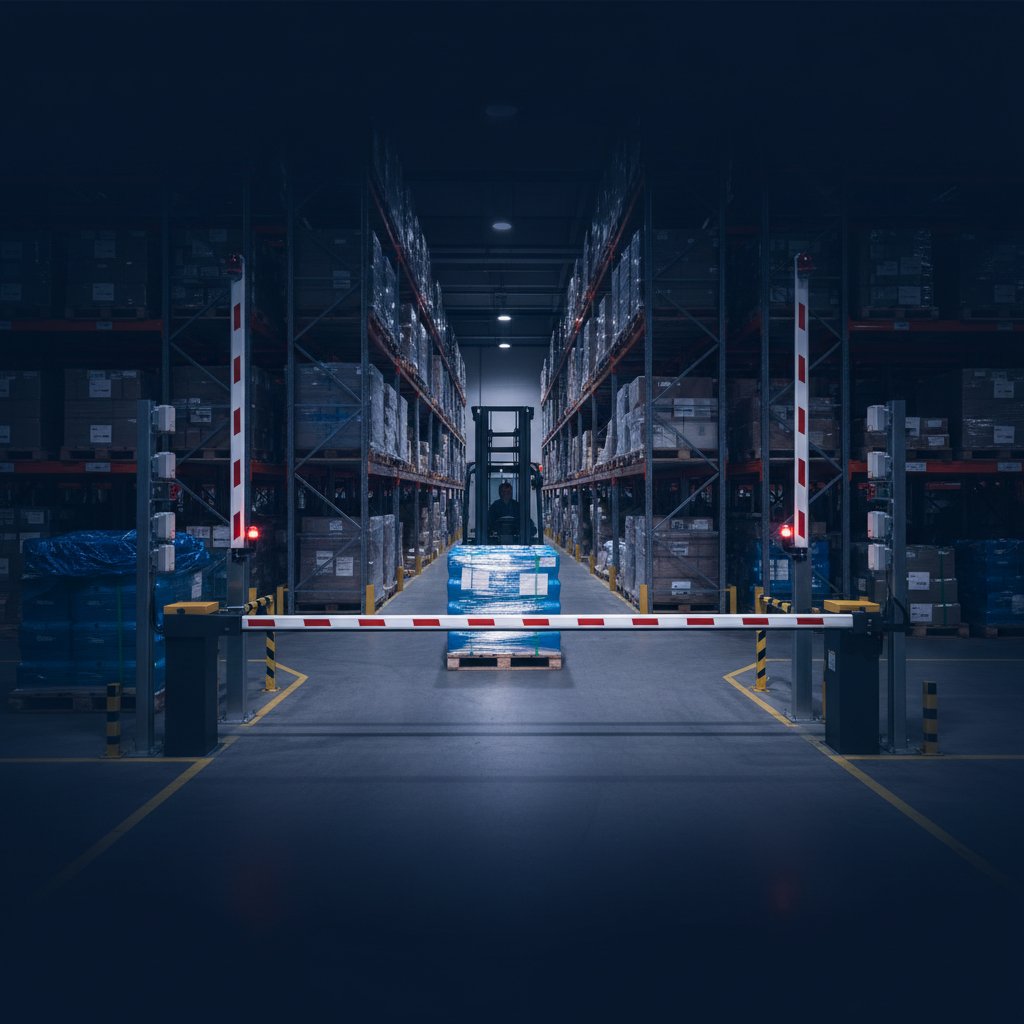
Bay door LED indicators communicate dock status to forklift operators approaching from the aisle, preventing entry during unsafe conditions. Gate arms at pedestrian crossing points lower during active forklift movement and raise when the path is clear.
RFID zone tags and UWB positioning infrastructure provide zone-location data to forklift-mounted receivers. Traffic light systems at high-volume crossings coordinate right-of-way.
Floor-projected speed limit indicators display active zone limits in real time. All facility-level equipment connects through Guardian so every detection and intervention event is logged for OSHA compliance documentation.
03 — Implementation
How Does IES Approach Equipment Selection and Fleet-Wide Deployment?
Equipment selection at the facility level requires a different analysis than buying individual safety products. A comprehensive equipment program asks: which forklift-mounted equipment is right for each vehicle type and operational role, which facility-mounted equipment addresses the highest-risk intersections and crossings, and how do the two layers connect to function as a coordinated system rather than independent devices?
IES begins with a facility traffic assessment that maps every conflict zone and documents the forklift fleet's operational characteristics. Each zone receives an individually specified equipment set based on traffic volume, pedestrian density, and sight line conditions.
Fleet-wide deployment programs phase the rollout to minimize operational disruption — typically starting with the highest-risk zones and expanding systematically. After installation, Guardian's event logging identifies which zones remain highest-activity, enabling ongoing equipment configuration refinement.
Frequently Asked Questions
Get Started
Ready to eliminate your blind spots?
How it works
Answer 7 quick questions about your facility and get an instant risk score with tailored recommendations.
- Evaluate your facility type, fleet size, and traffic patterns
- Instant risk score from 1–10
- Tailored engineering control recommendations
Takes about 2 minutes · No obligation